
A practical project closeout checklist for technical delivery teams
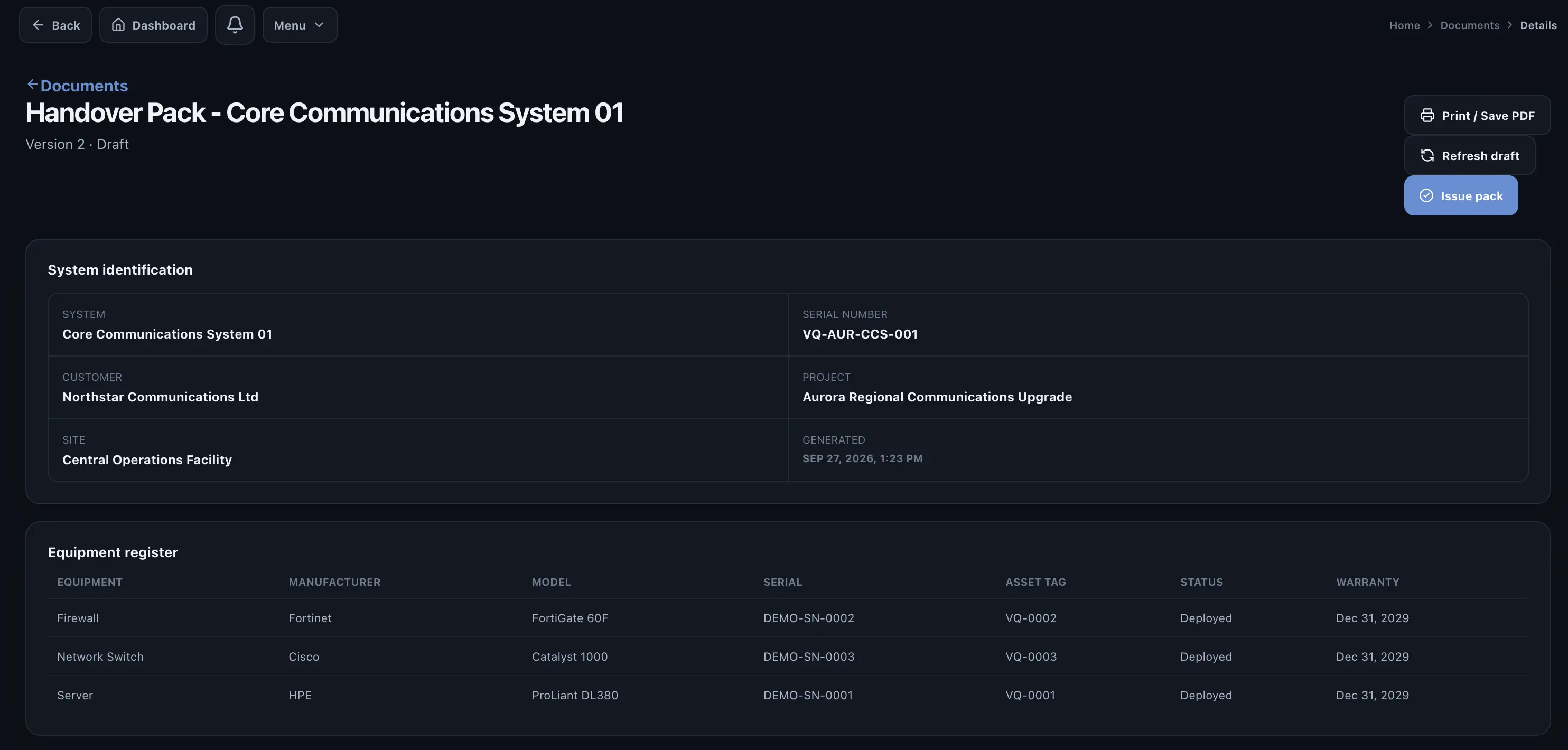
Project closeout is often described as an administrative phase, but on technical projects it is where operational truth is tested. A project may be physically installed and largely working while still being impossible to close because test evidence is missing, unresolved issues have no owner, documents are incomplete or customer approval is unclear.
1. Confirm the delivered system record
Before reviewing paperwork, confirm what was actually delivered. The final record should identify the project, site, system, relevant equipment and configuration. If equipment was replaced during deployment, the system record should reflect the installed state rather than the original plan.
2. Confirm required testing is complete
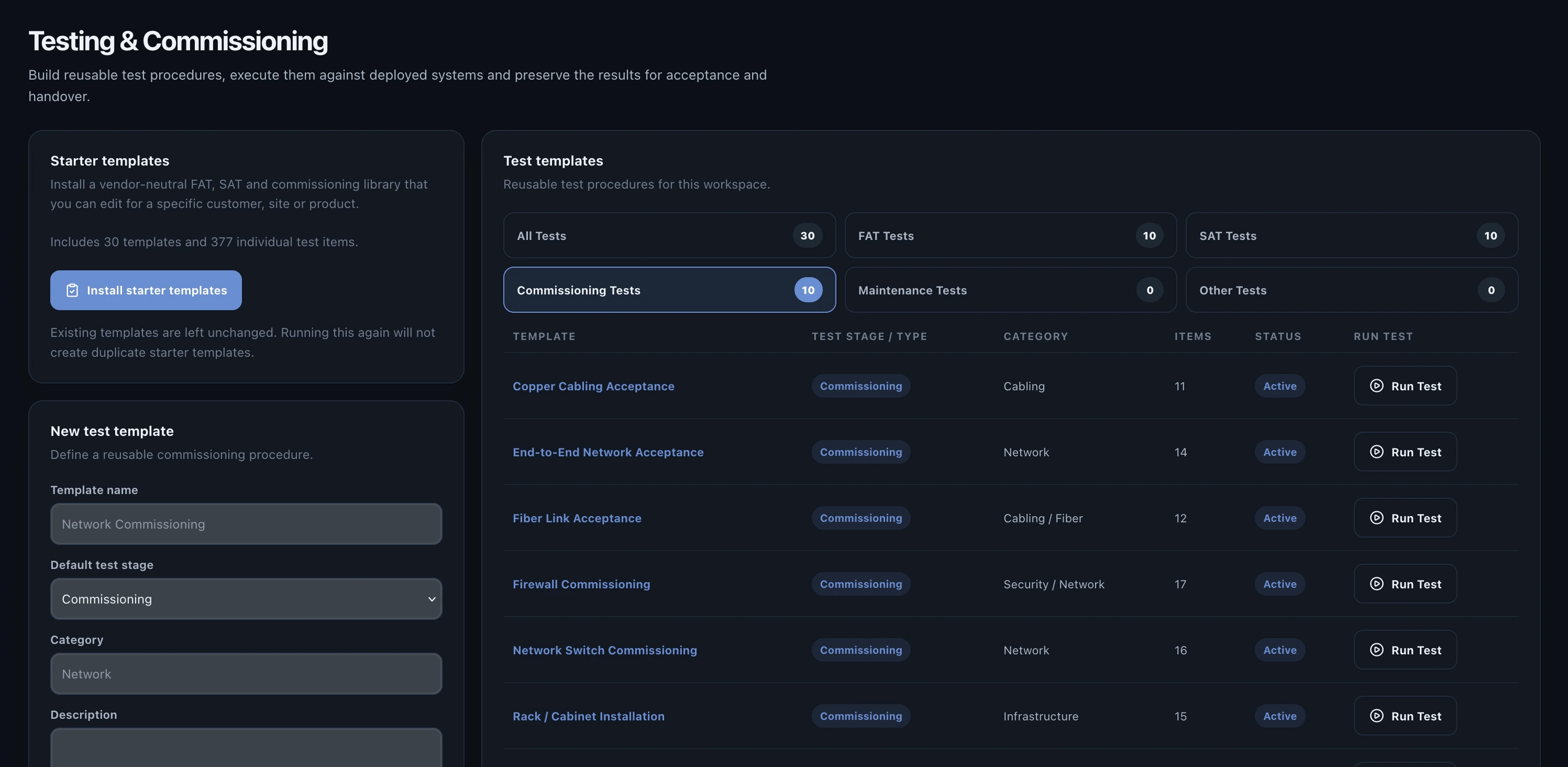
- Required FAT stages completed or formally waived.
- SAT completed against the installed system.
- Commissioning tasks completed where applicable.
- Evidence attached to important results.
- Approvals captured for completed test runs.
3. Review failures and remaining issues
Every failed requirement should have a visible outcome. The issue may have been resolved and retested, or it may remain as an agreed exception. What matters is that the project can explain the status without relying on verbal knowledge.
| Issue state | Closeout requirement |
|---|---|
| Resolved | Resolution documented and affected requirement retested where necessary |
| Open but non-blocking | Customer agrees the exception and ownership is recorded |
| Blocking | Project should not proceed to final acceptance |
| Duplicate / invalid | Disposition and reason retained in history |
4. Verify the document pack
Document requirements vary by industry, but a closeout process should make missing items obvious. Manuals, as-built drawings, certificates, warranties, test reports and acceptance records should be tracked as required deliverables rather than left to a final folder search.
5. Confirm acceptance and handover
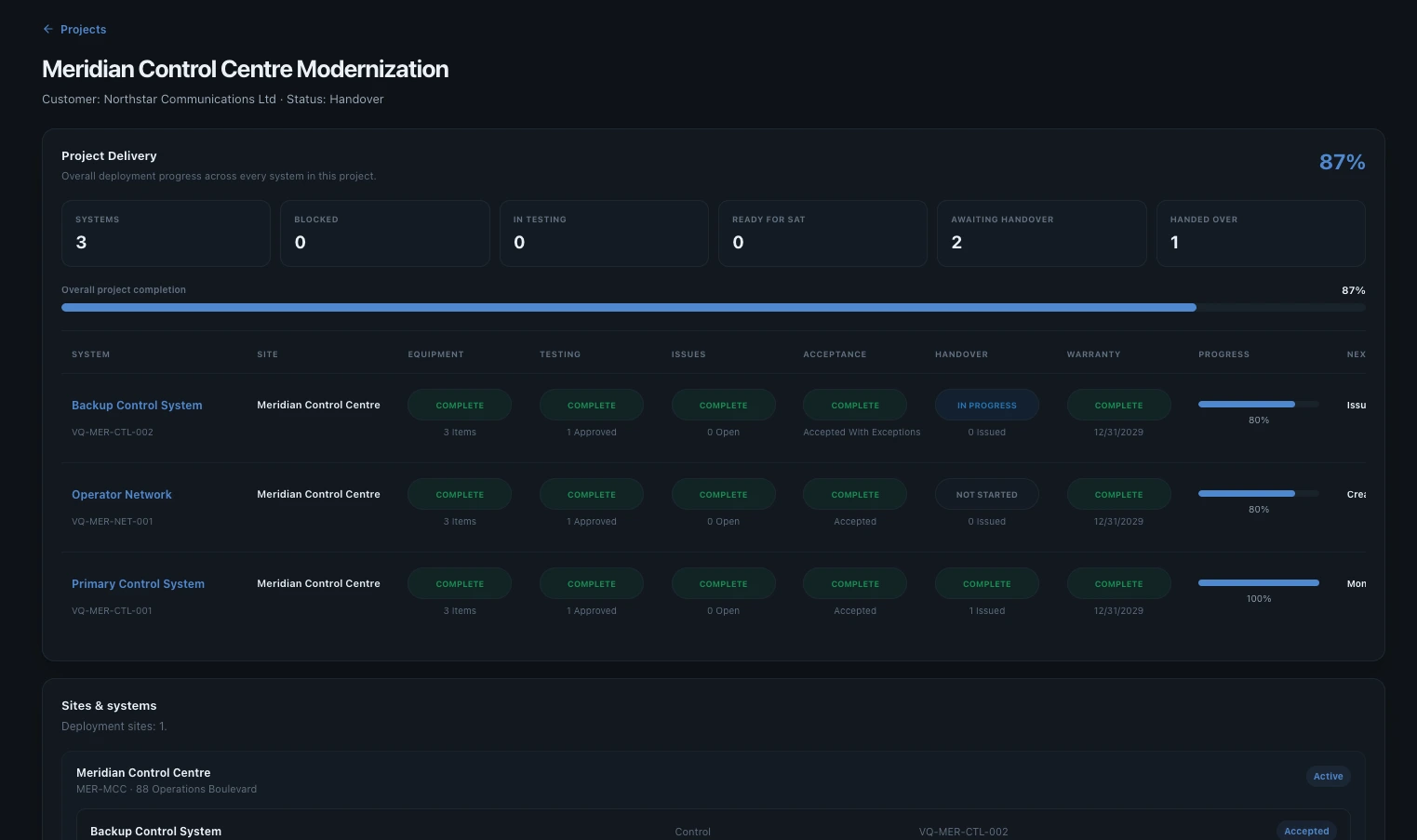
A signature is only useful if everyone understands what was accepted. The acceptance record should identify the scope, date, approver and any controlled exceptions. The handover package can then be issued from that accepted state.
Closeout checklist
| Check | Complete when |
|---|---|
| System identity | Installed configuration and equipment are current |
| Testing | All required test stages have an accountable outcome |
| Failures | Remediation or accepted exception is visible |
| Retesting | Corrected requirements have new verified results |
| Approvals | Required reviewers have completed decisions |
| Documents | Required deliverables are present and controlled |
| Acceptance | Customer decision and any exceptions are recorded |
| Handover | Final package can be issued from the controlled record |
How Valtoroq supports closeout
Valtoroq brings these records together during delivery, so closeout is largely a verification step. The project team can see the system, testing, issues, approvals, acceptance and documents without manually rebuilding the history. That is particularly valuable for smaller companies where the same project manager may otherwise be maintaining several spreadsheets while also coordinating the technical work.