
Why Excel breaks down on multi-site technical projects
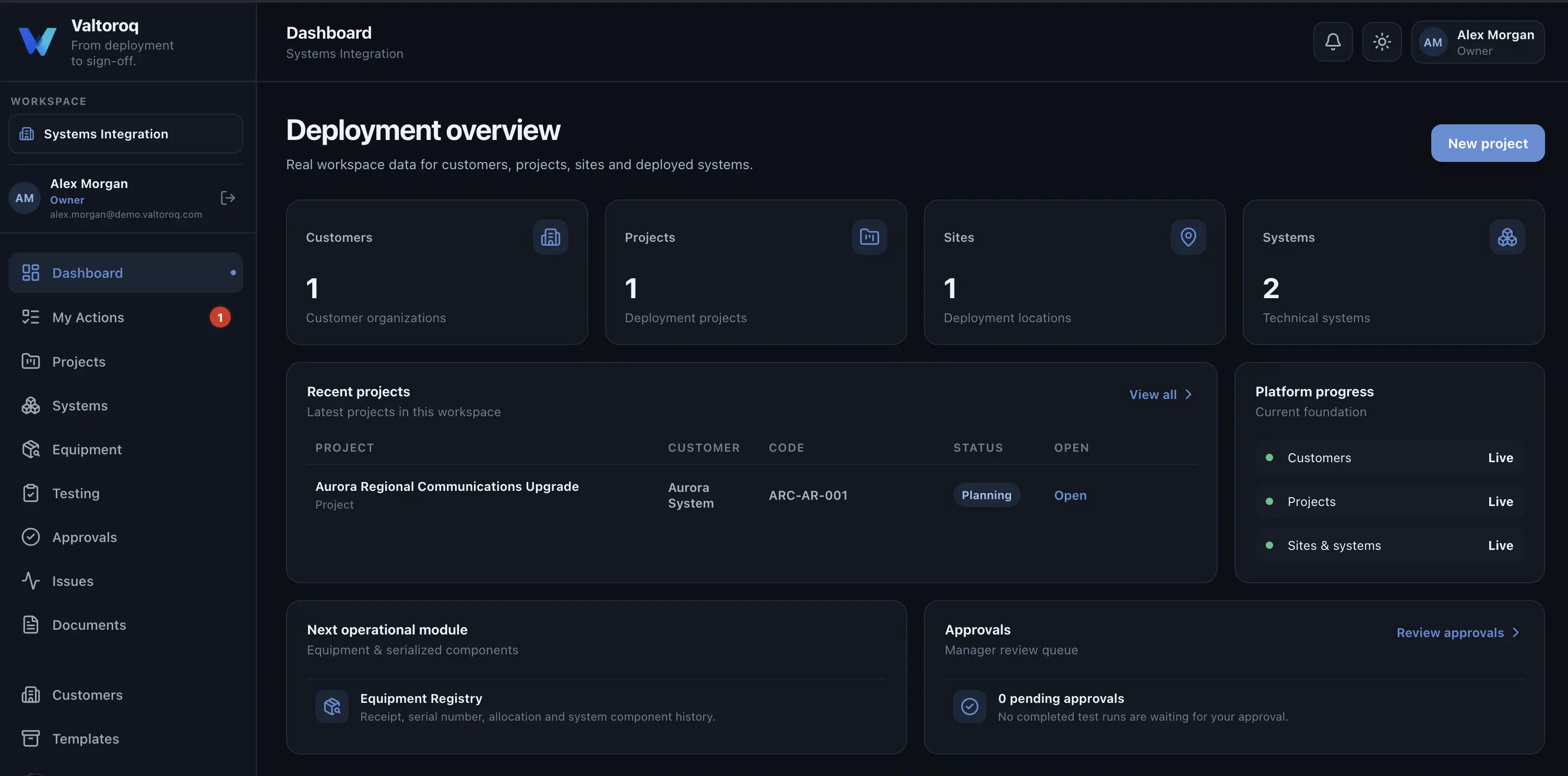
Excel is often the first operational system a growing technical company builds because it is flexible, familiar and inexpensive. There is nothing wrong with that. The problem appears when a workbook starts carrying responsibilities it was never designed to manage: multiple users, system history, linked evidence, issue ownership, approvals, auditability and several sites progressing at different speeds.
Excel usually succeeds before it fails
A spreadsheet can be an excellent starting point for a small company. A capable employee can build a deployment tracker, issue register and equipment list in an afternoon. That flexibility is exactly why spreadsheets become deeply embedded in growing organizations.
The transition problem is gradual. The workbook gains more columns, additional tabs and color conventions. Another workbook is created for testing, then one for defects and another for site acceptance. What began as a useful tool becomes the coordination layer for the entire project.
The warning signs
- People regularly ask which copy is the latest version.
- Status depends on cell colors or comments that only the creator understands.
- The same serial number or system name is typed into several files.
- Issues are tracked separately from the test that discovered them.
- Approvals happen by email and are manually copied back into the sheet.
- Project meetings are spent reconciling spreadsheets rather than making decisions.
- A missing document or overdue action is discovered only when someone remembers to check.
Multi-site delivery exposes the weakness faster
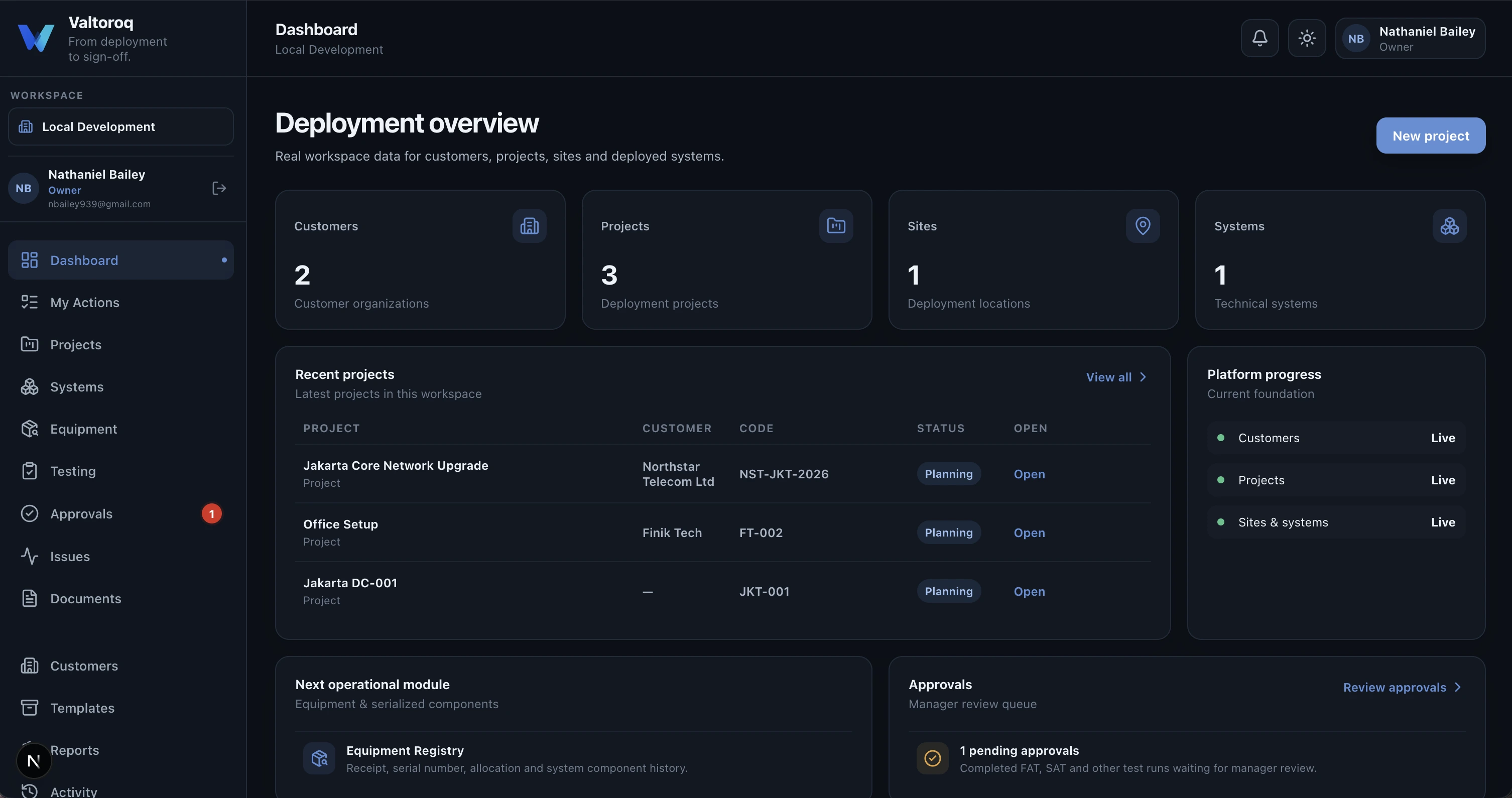
With one site, a good project manager can often keep the relationships in their head. With five, ten or fifty sites, the same approach becomes fragile. Each location has its own systems, testing progress, issues, evidence and approvals, yet management still needs one coherent view of overall readiness.
The real issue is relationships
Spreadsheets can store almost any individual fact. What becomes difficult is controlling the relationships between facts. A failed test belongs to a system. The issue belongs to that failure. A corrective action belongs to the issue. The retest belongs to the requirement. The approval belongs to the completed record. The acceptance decision depends on all of them.
What to keep in Excel
Moving beyond spreadsheet-based operations does not mean eliminating Excel. It remains an excellent tool for calculations, ad hoc analysis, bulk editing and data exchange. The goal is to stop using it as the primary system of record for workflows that require permissions, history, ownership and linked evidence.
| Use Excel for | Use an operational platform for |
|---|---|
| Calculations and analysis | Shared system-of-record data |
| One-off data preparation | Ongoing multi-user workflow |
| CSV import/export | Approvals and permissions |
| Ad hoc reporting | Audit history and accountability |
| Temporary working lists | Issues, evidence and lifecycle state |
How Valtoroq approaches the transition
Valtoroq was built from this exact operational problem: small teams needing the discipline of a connected platform without the cost and complexity of a large enterprise deployment. Projects, sites, systems, tests, issues, approvals and acceptance are treated as related records, while CSV import and export keep the transition practical for teams that already have years of spreadsheet data.
The objective is not to make a small company behave like a huge corporation. It is to remove the avoidable work created when project knowledge is scattered across workbooks, folders and inboxes.